




Cable and TV Instructions
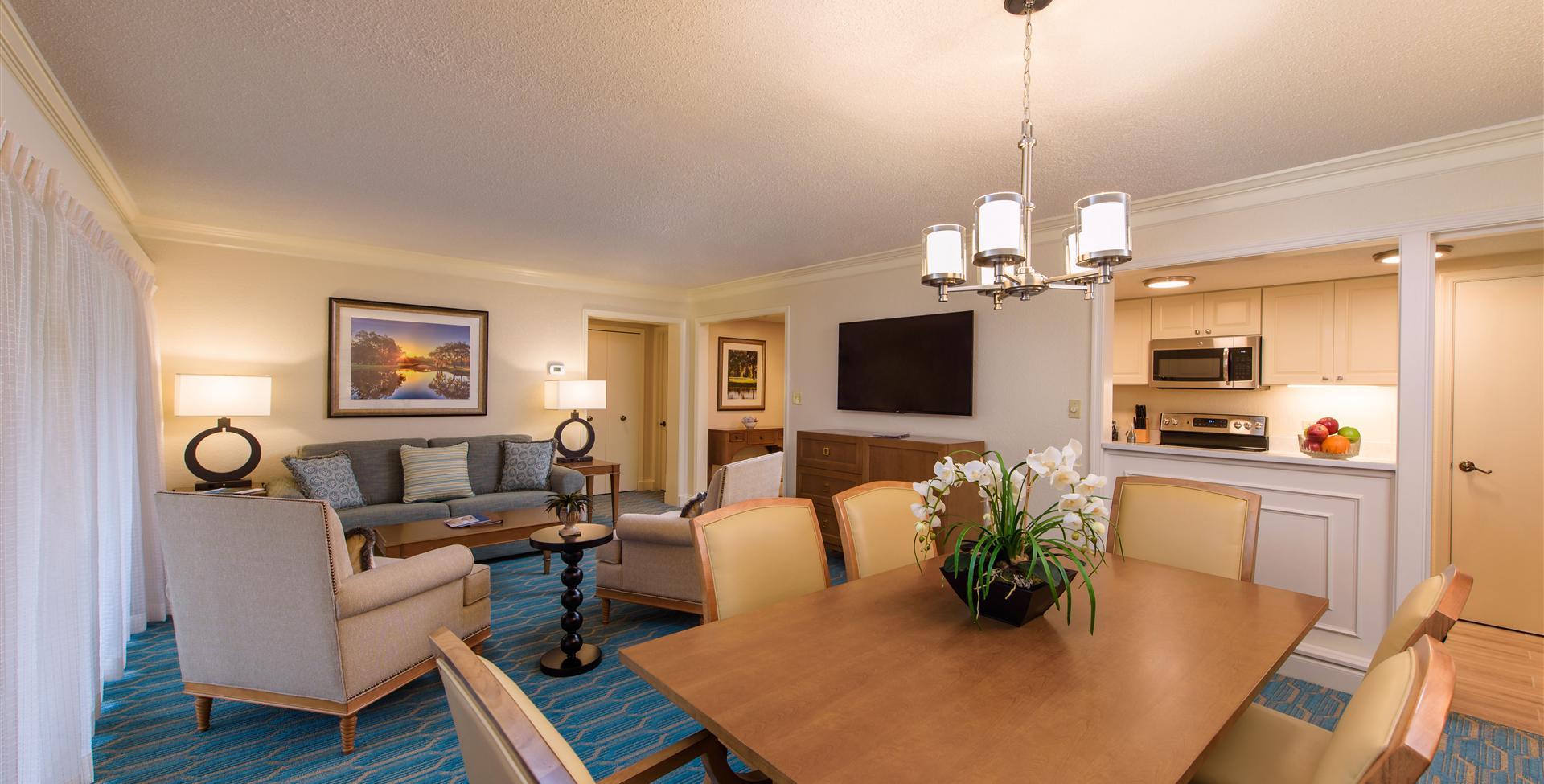
We’ve made it easy for you to relax and enjoy your favorite shows.
To get started, follow the instructions below that match the remote in your guest room.
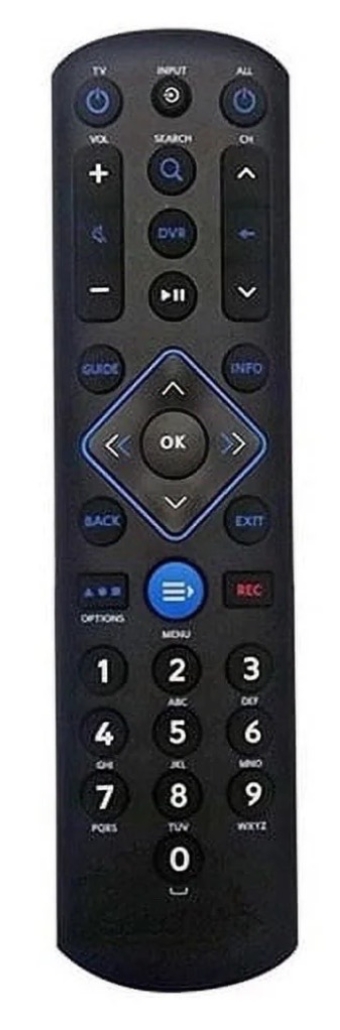
- Powering on your TV.
- Press the “ALL” Power button (top right) to turn on both the TV and cable box together.
- If only the TV turns on, press the “TV” button (top left) to turn the TV off, then press the “ALL” Power button (top right) to turn on both the TV and cable box.
- Make sure the TV is set to the correct input:
- Press the “INPUT” button (top center).
- Click “INPUT” to select the correct video source and press OK.
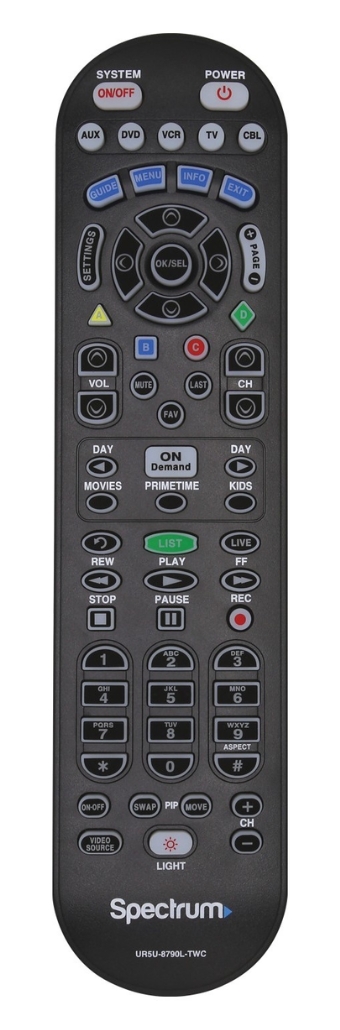
- Powering on your TV:
- Press the “SYSTEM ON/OFF” button (top left) to turn on both the TV and cable box together.
- If needed, you can press “CBL” (top right) then “POWER” (top right) to control the cable box only.
- The TV may also be powered separately by pressing the “TV” button (top row) then “POWER” (top right).
- Make sure the TV is set to the correct input:
- Press the “VIDEO SOURCE” button (bottom left).
- Click “VIDEO SOURCE” to select the correct video source and press OK.
Troubleshooting Tips
- If there is no picture, check that the TV is on the correct input.
- Make sure both the TV and cable box are powered on. Your cable box will be located behind your TV or in the nearest closet.
- If the cable box is frozen, hold the power button on the cable box (not the remote) for 10 seconds, then release. The box will then restart.
If you need any assistance, please do not hesitate to contact Guest Services by dialing “0” from your room phone, or by calling us directly at 727.942.2000 ext. 7
Enjoy your stay!